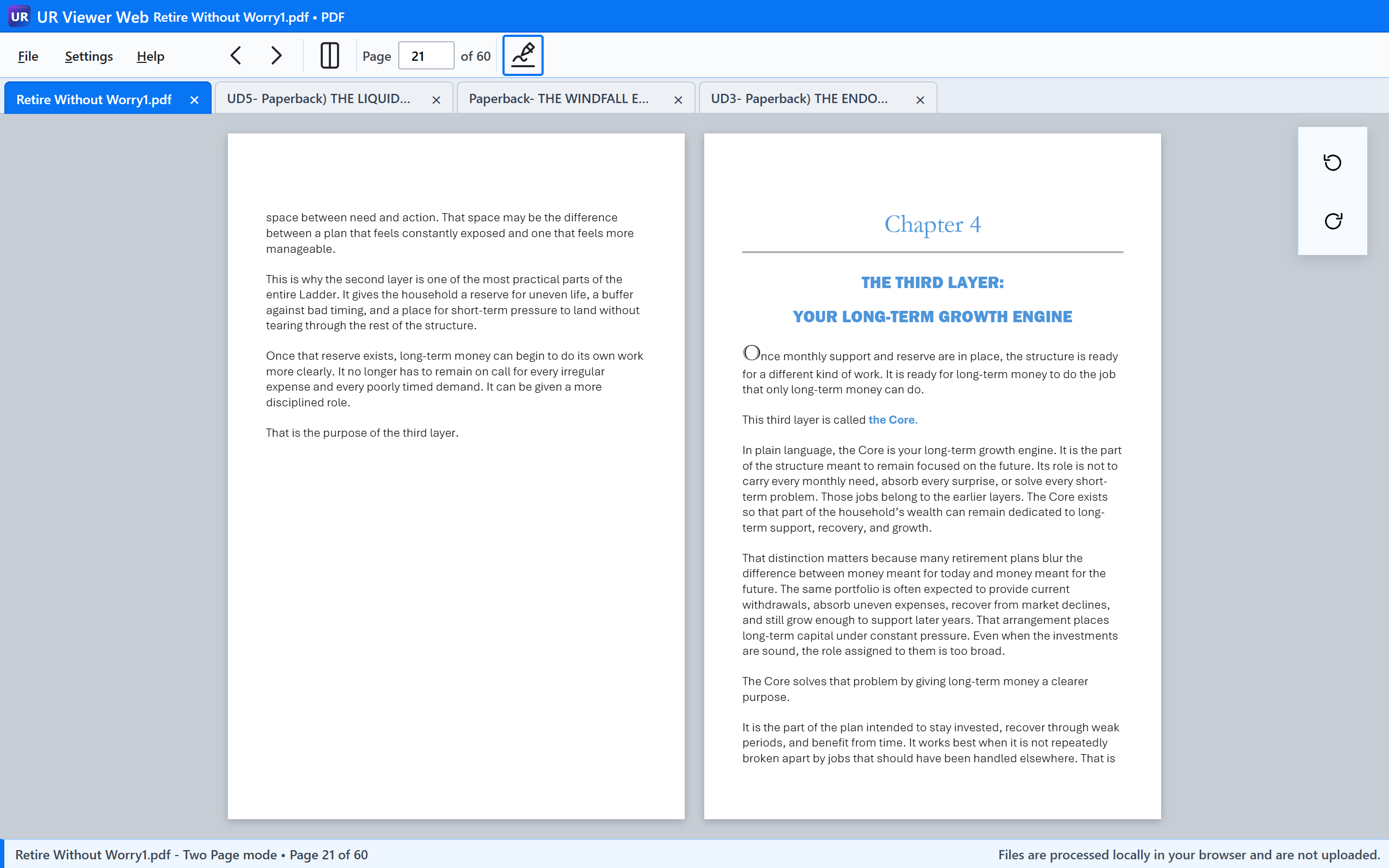
UR Viewer Web · No installation required

Open the file and get on with the task.

Read a book, fill and sign a PDF, show a presentation, inspect a photo or text file, or play a full-length local movie—all in one immediate browser workspace.

The Viewer loads from ursuite.app. The selected file is processed locally in your browser.

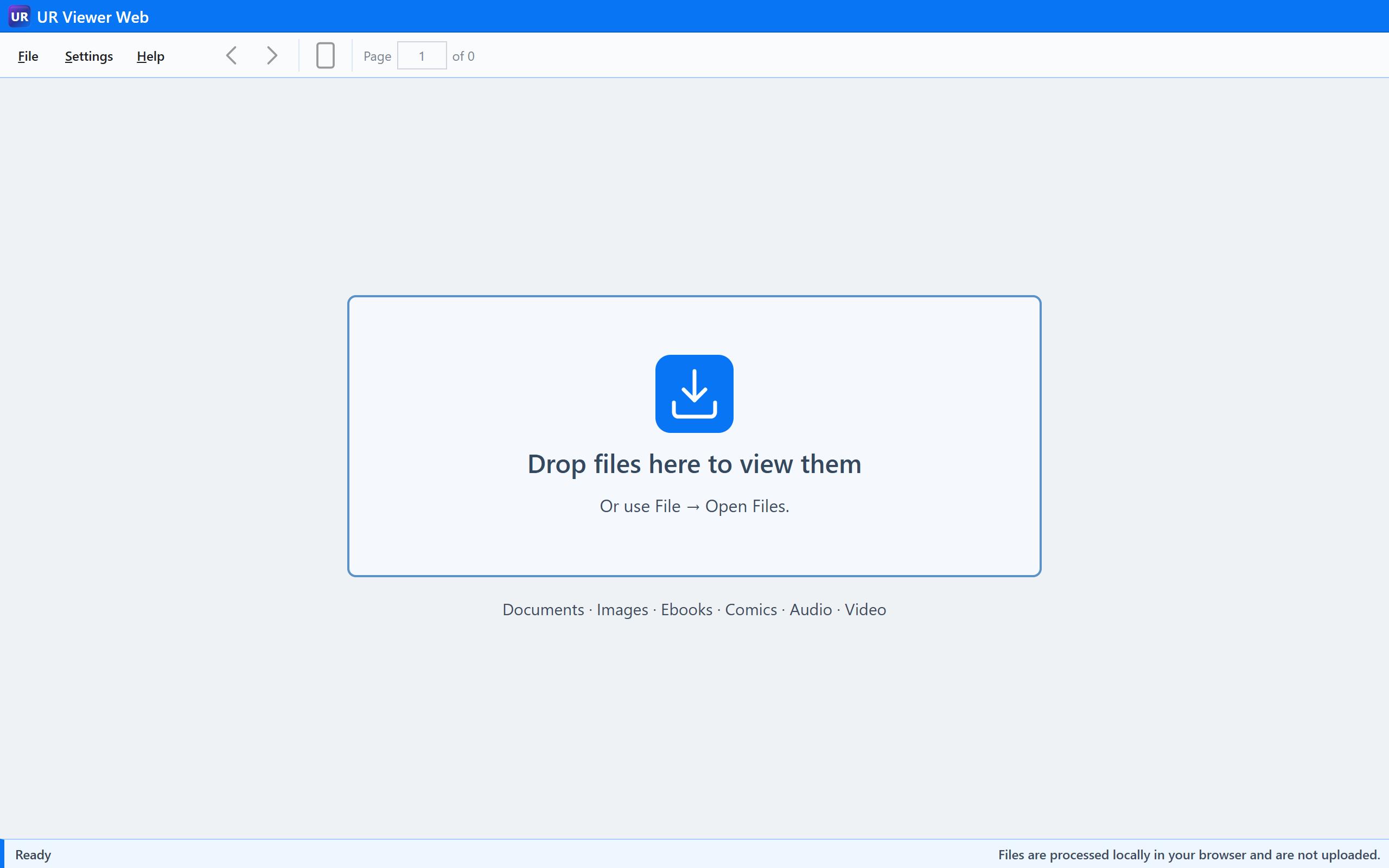
UR Viewer Web local-file launch screen

PDF Fill & Sign

Need to complete a PDF form?

Open it. Type. Sign. Save. Print or send the finished copy.

Local PDFViewer WebFill & SignSave Modified Copy

Add typed entries, dates, checkmarks, signature images, and handwriting-style text without installing a dedicated PDF application. Regular and handwriting text can coexist on the same page.

Six reading layouts support fixed-page and continuous reading. Rotate pages, print, and save page images where those commands apply.

EPUB & DRM-free ebooks

Make the words comfortable to read.

Reflowable ebooks provide chapter and Contents navigation with actual text-size changes—not magnification of the whole interface. UR Viewer preserves a logical reading position as the book repaginates.

EPUB opens directly. Supported MOBI, AZW, AZW3/KF8, PRC, FB2, and FB2.ZIP content uses local, transient preparation where needed and then follows the same reading model.

Built around reading

  • Chapter, Contents, and keyboard navigation
  • Text size from 70% to 200%
  • Continuous reading
  • Position preserved through text reflow
  • Separate fixed-layout EPUB behavior

Encrypted or DRM-protected ebooks are not supported.

Comics

Read the archive in the layout you prefer.

Open supported CBZ, CBR, CB7, and CBT comic archives as page-image books. Move between individual pages, continuous layouts, traditional spreads, and cover-first arrangements.

Six viewing modes

Single Page, Single Page Scrolling, Two Page, Two Page Scrolling, Cover, and Cover Scrolling support comics, graphic novels, magazines, and scanned page collections.

Save a selected page or extract the archive’s original page images when needed.

Images & photos

Open the photo, then move toward the detail.

View common image formats including locally decoded HEIC and HEIF still photos from iPhone. Focus-centered zoom keeps the point of interest under the pointer, with pan available after zooming.

Single images and collections

  • Fit and Actual Size
  • Focus-centered zoom and pan
  • Folder navigation and photo Slide Show
  • Animated GIF playback where applicable
  • Print and Save Image

Presentations

Need to show a PPTX without installing PowerPoint?

Open the local presentation, navigate slides, and start Slide Show from the same Viewer. Focus-centered zoom and pan help inspect text, charts, diagrams, and images on a slide.

Read-only presentation viewing

PPTX rendering remains local and is designed for reviewing and presenting existing slide decks. It does not add presentation editing controls.

Video & audio

Play full-length local media without uploading it.

Open a movie or audio file from your computer and use the native browser media pipeline through UR’s playback controls.

Video

Movies, clips, and long recordings

Play supported MP4, WebM, MOV, MKV, and OGV/OGG video with seeking, long-duration time display, volume, mute, playback speed, keyboard controls, and clean fullscreen viewing.

Compatibility: Container recognition does not guarantee codec decoding. MOV, MKV, HEVC/H.265, HDR, Dolby Vision, multichannel audio, and other combinations depend on browser, operating-system, and hardware support.

Captions

Bring the subtitles with the movie.

Open external SRT or WebVTT subtitles from the CC menu. Compatible text subtitle tracks embedded in MKV files are discovered locally and can be selected by language or track name. Captions remain synchronized through seeking, pause, speed changes, and fullscreen.

Audio

A simple local audio player

Play supported MP3, M4A/AAC, WAV, OGG/Opus, and FLAC with seeking, volume, mute, and playback speed. Codec support remains browser- and operating-system-dependent.

Plain text & source inspection

Read the file without running it.

Open TXT and supported JSON, XML, Markdown, CSS, JavaScript, BAT, CMD, PowerShell, YAML, INI, and log files in a lightweight monospaced view. Spaces, tabs, indentation, and long lines remain readable.

Strictly read-only

Script and configuration files are inert text. UR Viewer Web does not execute JavaScript, PowerShell, batch commands, or source content, and this view is not intended to be a code editor.

What local processing means

Your file stays on your computer.

UR Suite sends the Viewer application to your browser. When you choose a local file, the browser reads and renders it; the document, ebook, photo, or movie is not uploaded to a UR Suite server.

Internet access is still needed to load Viewer Web itself. Browser features, installed codecs, and normal browser security rules continue to apply.

The UR Viewer family

The same experience, progressively more self-contained and integrated.

Viewer Web

Open it anywhere.

Free, immediate browser access with no installation. The easiest place to start.

Open UR Viewer Web

Viewer Portable

Take it anywhere.

Viewer resources packaged locally for offline use from a folder or removable drive, without conventional installation.

Explore Viewer Portable

Viewer Desktop

Integrate it with Windows.

The Viewer with installed Windows conveniences such as File Explorer opening and Start menu access where available.

Explore Viewer Desktop